Processed video will appear here
Upload a video on the left, adjust your settings, and click generate. Your processed video will appear here.
Free Online Video Editor & AI Video Studio: Fast, Powerful, In Your Browser
Effortless editing, unskippable AI videos. Trim clips, extend scenes, upscale to 4K, and rewrite visual elements with natural language prompts—all in your browser with no watermarks.
Rewrite Video Clips with Natural Language Prompts
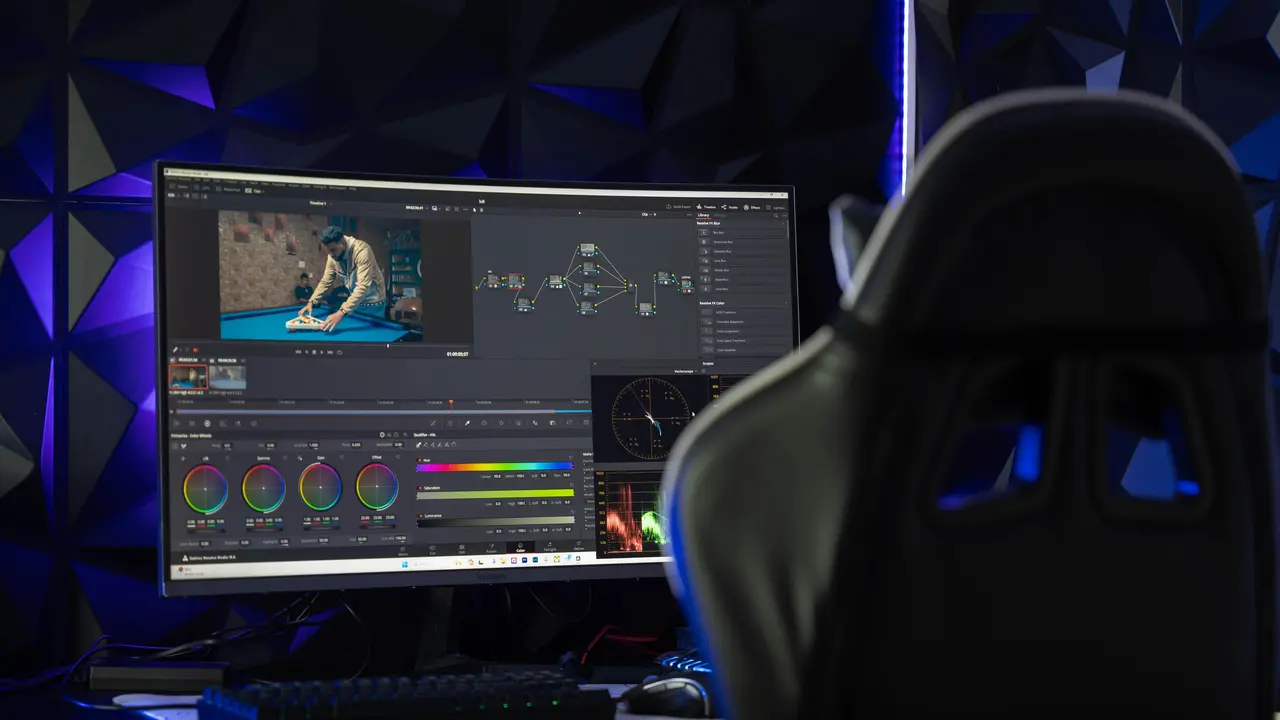
Skip hours of painstaking rotoscoping, masking, and color correction. Simply describe the changes you want—from swapping a city street for a futuristic skyline to adding cinematic volumetric lighting—and let generative AI deliver the cut in seconds.
Conversational Scene Direction
Alter weather, time of day, background scenery, and clothing without reshooting live footage.
Identity & Motion Preservation
Multimodal neural models maintain actor facial anatomy, hair details, and physical motion vectors.
Rapid Iterative Prototyping
Test multiple visual variations in 360p Draft mode at half credit cost before finalizing.
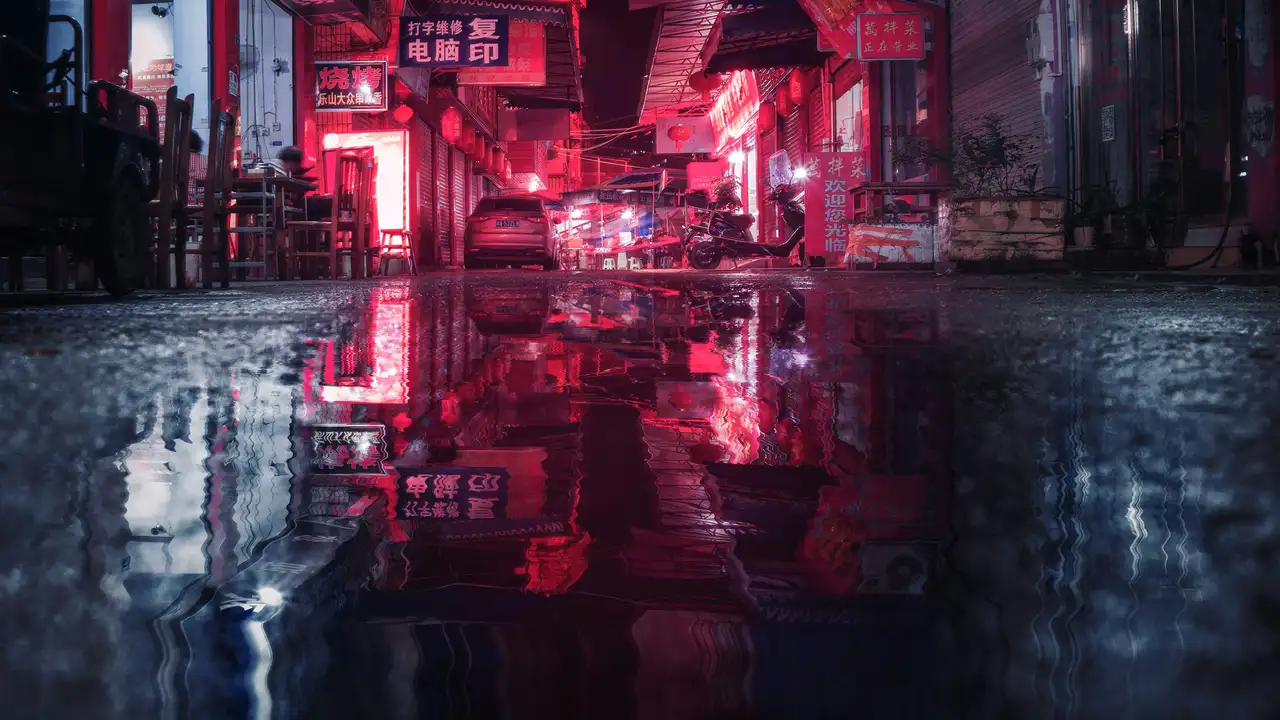
Extend Footage & Upscale to 4K Ultra HD in One Click
Never discard a shot that ended half a second too soon. Extend existing footage seamlessly into longer sequences, and upscale historical or compressed assets into crisp 4K Ultra HD for premium displays and commercial broadcasts.
AI Video Continuation
Add 3 to 10 seconds of coherent continuation to any clip, preserving velocity and camera movement.
4K Neural Super-Resolution
Neural super-resolution sharpens low-bitrate and blurry footage into clean 1080p and 4K masters.
Pristine Commercial Exports
Clean, uncompressed MP4 downloads with zero watermarks or platform restrictions.
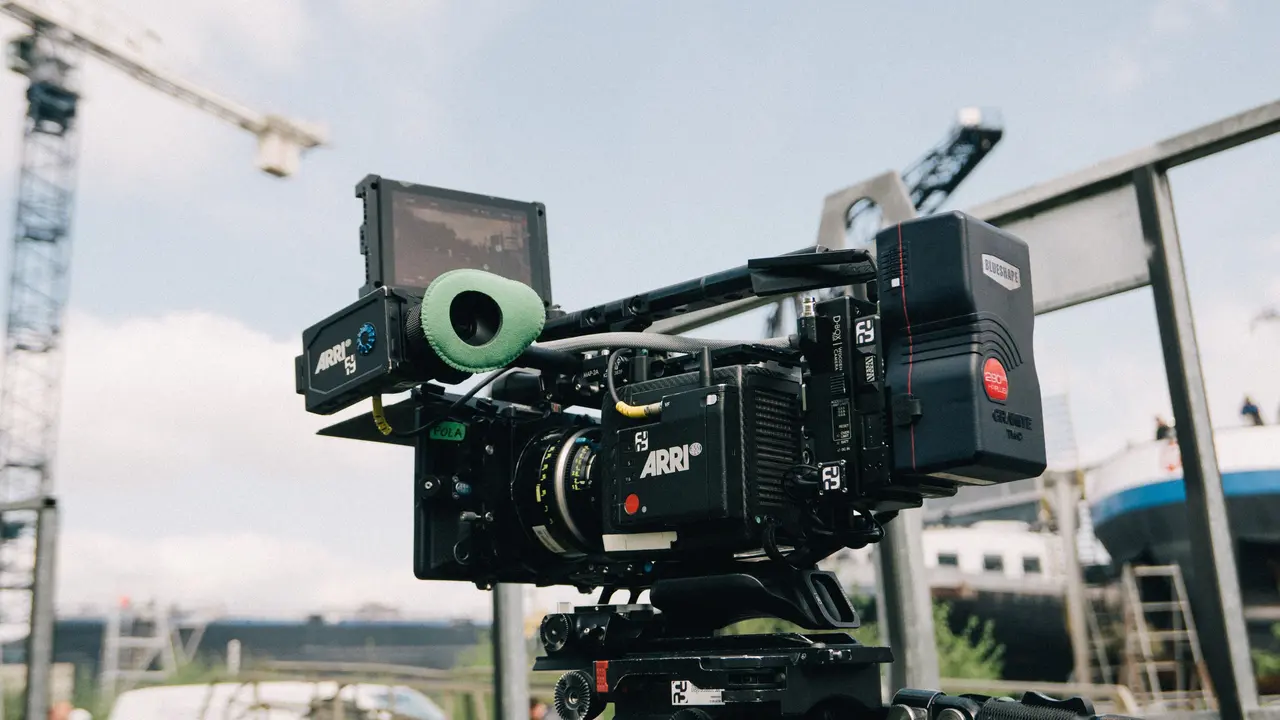
Why Creators Choose Flow AI Over Traditional Editors
See how Flow AI's generative video editor compares to traditional timeline software and basic web trimmers.
Generative Prompt Editing
Directly type instructions to swap backgrounds, alter wardrobe, and reshape lighting without manual masking or rotoscoping.
Seamless Video Extension
Generates natural motion continuation from ending frames by up to 10 seconds without jarring jump cuts.
Neural 4K Upscaling
Neural super-resolution restores compression artifacts and scales clips up to razor-sharp 4K Ultra HD.
Zero-Install Cloud Workflow
100% cloud-powered in any browser with zero installation, instant startup, and automatic cloud saves.
Cost & Iteration Efficiency
Fast 360p draft generation mode saves credits before rendering the final 1080p or 4K master.
How to Edit Videos Online in 4 Simple Steps
A streamlined four-step workflow engineered for rapid social turnarounds and high-end video production.
- 1
Upload Your Footage
Drag and drop any MP4, MOV, or WebM video file into the online workspace, or choose an existing clip from your creations history.
- 2
Pick Your Editing Mode
Select Edit Video to rewrite with prompts, Extend Video to add 3–10 seconds of motion, or Upscale Video to raise clarity up to 4K.
- 3
Configure Parameters
Set your target resolution, adjust extension duration, preview the required credits, and tailor prompt directives for your desired style.
- 4
Export Watermark-Free
Preview your edited clip in real time, compare results, and download clean, watermark-free high-resolution MP4s ready to publish.
Tailored Video Editing for Every Creative Need
From viral short clips to commercial ad campaigns, discover tools built for your specific video workflow.
Viral Social Media Video Editor
Repurpose horizontal footage into high-retention 9:16 vertical videos for TikTok, Instagram Reels, and YouTube Shorts. Keep the focal action centered automatically.
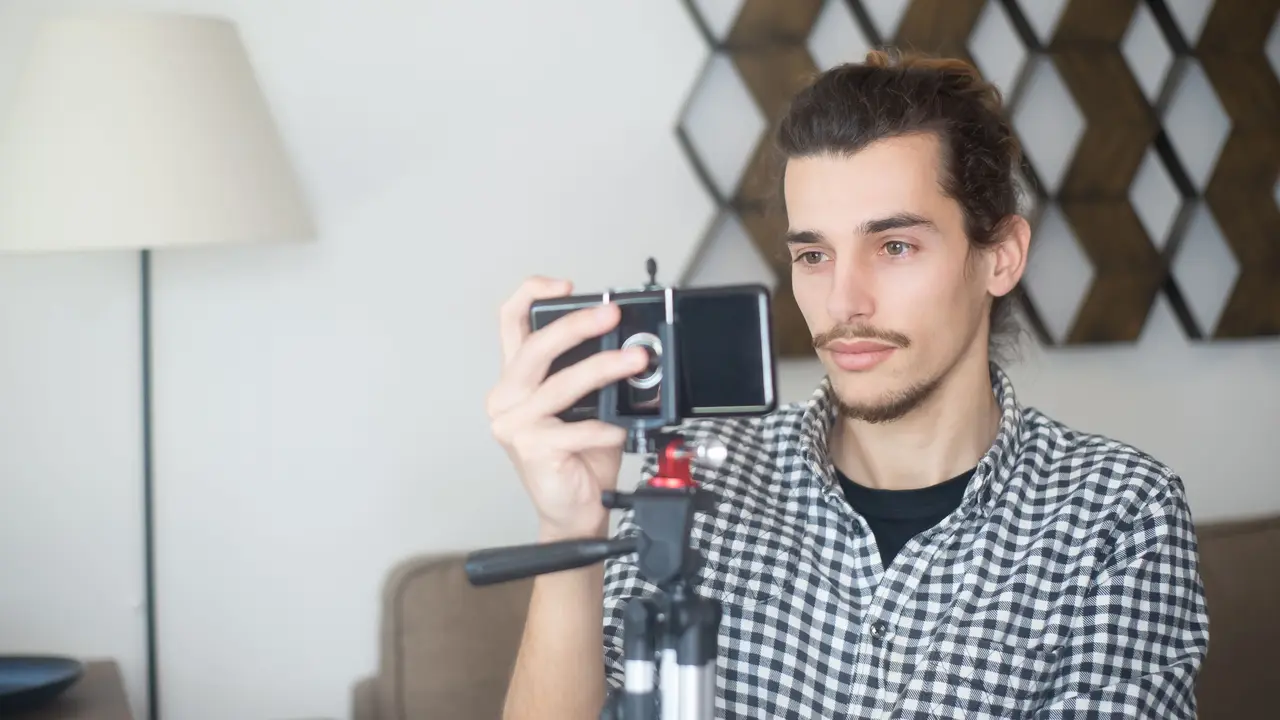
Versatile Video Editing for Creators & Teams
Discover how solo creators, agency video editors, and fast-growing brands use Flow AI every day.
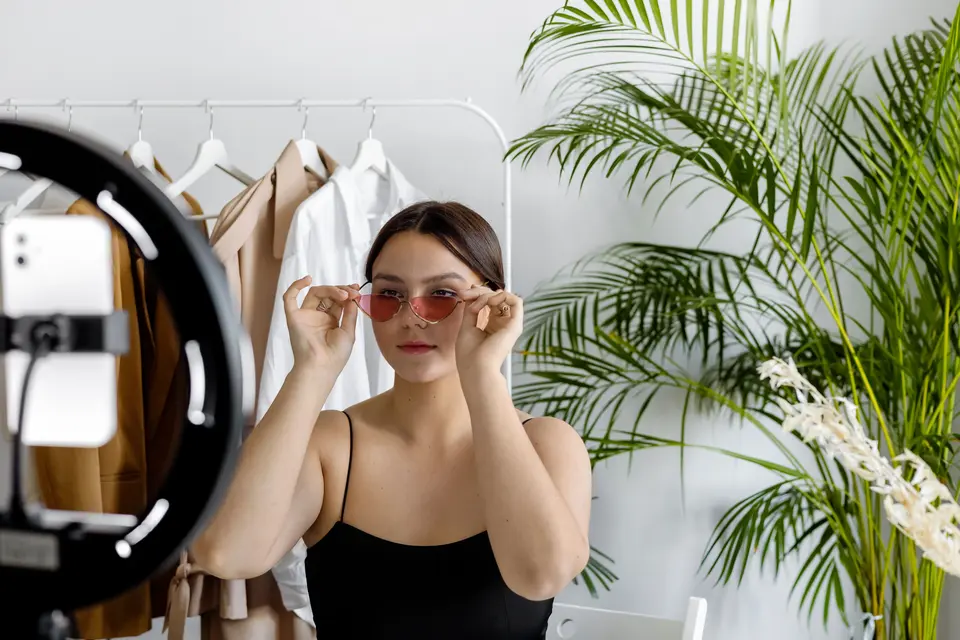
TikTok & Instagram Reels
Transform widescreen footage into engaging 9:16 vertical videos with subject centering and punchy pacing for TikTok and Reels.

High-Converting E-Commerce Ads
Generate dozens of ad variations by altering backgrounds, lighting, and product styling to scale paid social return on ad spend.
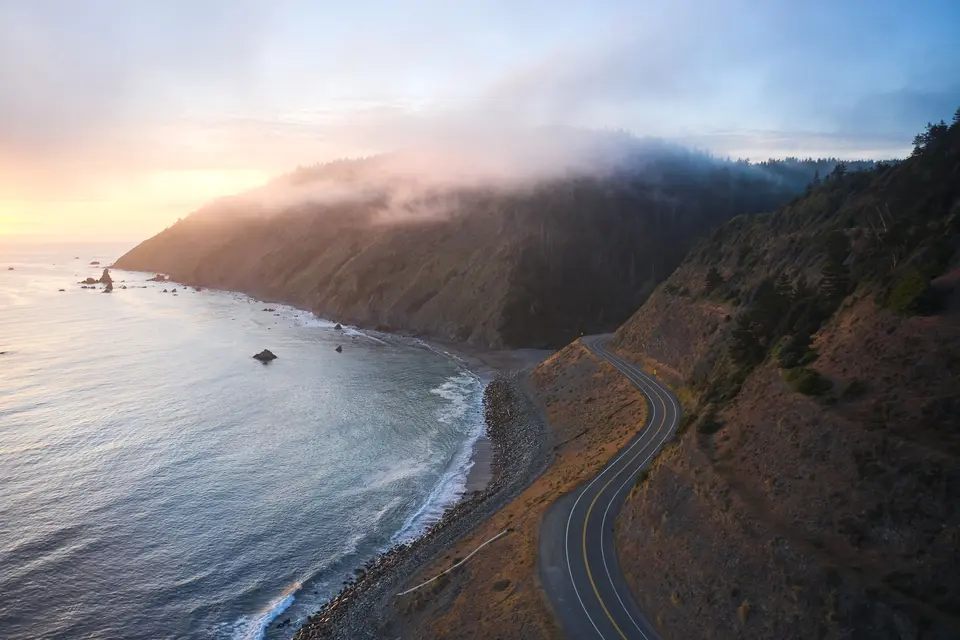
B-Roll & Transition Extension
Extend short b-roll and establishing shots by up to 10 seconds to fit precise voiceover timing and transition points.
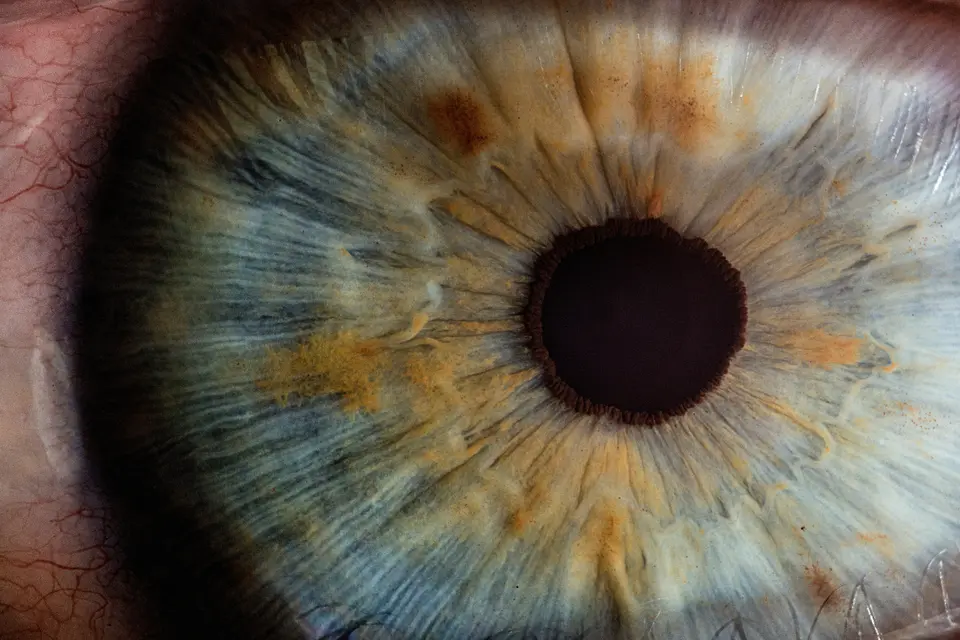
4K Video Super-Resolution
Restore compressed, pixelated, or vintage footage to razor-sharp 1080p and 4K with deep neural texture reconstruction.
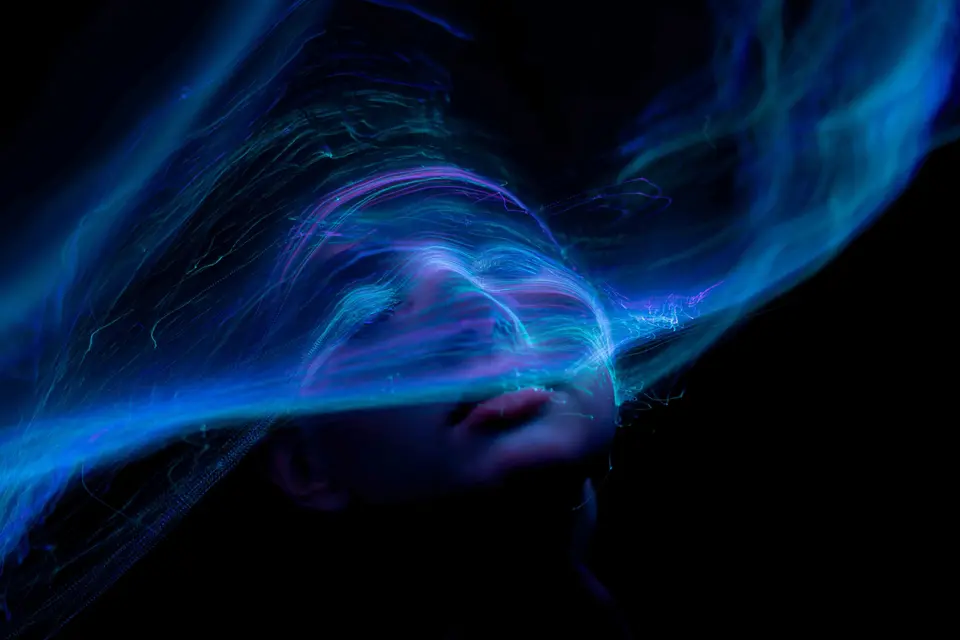
Artistic Style Transfer & Restyling
Reimagine live-action video into anime, cyberpunk, watercolor, or film noir aesthetics with natural language style transfer prompts.
Clean Watermark-Free Publishing
Export clean, professional MP4 master videos with no watermarks, ready for YouTube, corporate meetings, and clients.
Frequently Asked Questions
Everything you need to know about browser-based AI video editing, extending, upscaling, formats, and credits.
Experience the Next Era of Online Video Editing