Processed video will appear here
Upload a video on the left, adjust your settings, and click generate. Your processed video will appear here.
Free AI Video Extender — Make Any Video Longer Online
Upload an existing clip and generate 3 to 10 seconds of natural continuation. Perfectly match lighting, character motion, camera trajectory, and scene dynamics with zero jump cuts.
Context-Aware Continuation with Zero Jump Cuts
Traditional loops or awkward slow-motion hacks break immersion immediately. Flow AI's video extender analyzes the concluding frames of your footage to predict real-world physics, camera momentum, and subject behavior for a truly seamless sequence.
Matches Lighting & Atmosphere
Color grading, shadows, volumetric fog, and specular highlights carry forward without jarring flicker.
Preserves Character Identity
Human faces, clothing textures, and foreground objects remain consistent and deformation-free.
Fluid Camera Trajectories
Camera velocity, lens perspective, and panning momentum continue along their established curve.

Steer Narrative with Prompts or Let Motion Flow Naturally
You retain complete directorial control. Leave the prompt empty to let the multimodal AI extend the shot along its organic path, or provide clear descriptive text to steer what happens next in the story.
Prompt-Guided Action Beats
Provide instructions like 'the camera tracks backwards through the doorway' or 'the character turns and speaks'.
Flexible Extension Durations
Add 3 to 10 seconds per pass. Chain multiple extensions together to build long-form story arcs.
Up to 4K Ultra HD Fidelity
Export crisp 1080p and 4K clips ready to drop into Premiere Pro, Final Cut, or DaVinci Resolve.
Why Editors Choose Flow AI Over Traditional Loops & Generic AI
See how purpose-built multimodal continuation compares against repetitive loops, slow-motion hacks, and disjointed text-to-video tools.
Context Continuity
Evaluates concluding frames to continue exact motion, lighting, and camera paths seamlessly.
Motion Naturalness
Synthesizes genuine new physical action rather than looping or freezing frames.
Prompt Controllability
Supports text prompts to direct narrative turns or camera movement with precision.
Resolution & Clarity
Crystal-clear 720p, 1080p, and 4K outputs with zero watermarks or compression noise.
How to Extend Video Duration in 4 Simple Steps
From raw short clip to seamless cinematic extension in less than a minute.
- 1
Upload Your Source Video
Drag and drop your MP4, WebM, or MOV clip into the workspace above. Clips can be any duration; our AI focuses on the concluding 10 seconds.
- 2
Select Duration & Add Prompt
Select your extension length (3s to 10s) and target resolution. Optionally enter a prompt to steer narrative action or camera direction.
- 3
AI Generates Natural Continuation
Multimodal video diffusion synthesizes coherent continuation frames that pick up seamlessly from the final frame of your clip.
- 4
Preview & Export Watermark-Free
Watch your extended scene in the preview player. Download the watermark-free MP4 instantly, or chain another extension for longer scenes.
Engineered for Uncompromising Visual Continuity
Every component of our neural continuation pipeline is engineered to keep the cinematic illusion unbroken.
Camera Momentum Tracking
The AI accurately tracks pan, tilt, zoom, and drone dolly speeds, continuing camera travel with smooth acceleration and braking curves.
Real-World Use Cases for AI Video Extension
Discover how filmmakers, marketers, and digital creators turn short footage into complete stories.
Fix Clips That End Too Soon
Rescue promising short clips from Midjourney, Sora, or Wan that stop just before the climax or action beat finishes.
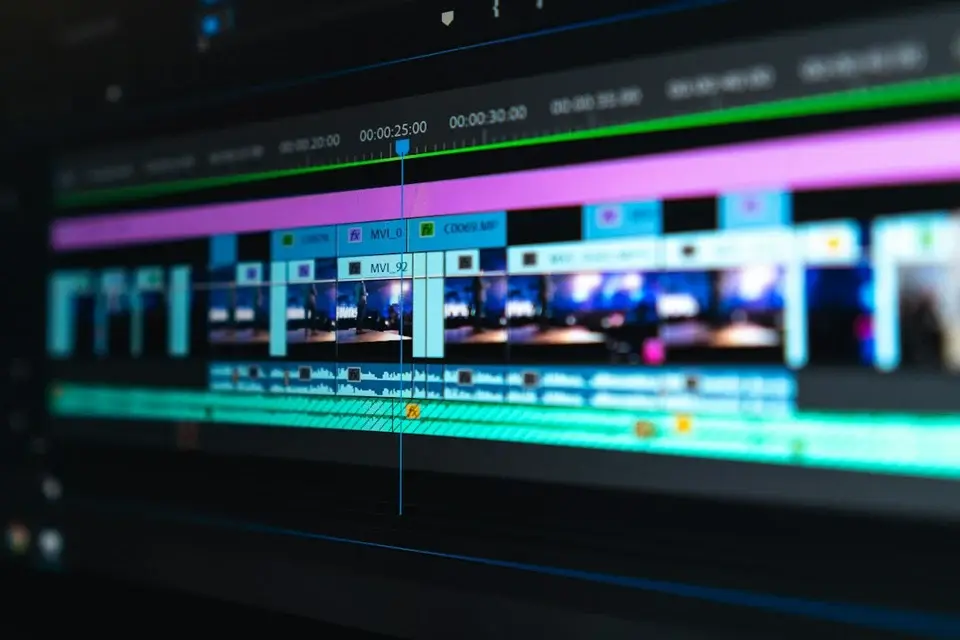
Add Runway for End Cards & CTAs
Add 4 seconds of breathing room for YouTube subscribe prompts, brand logos, end cards, and on-screen CTA copy.
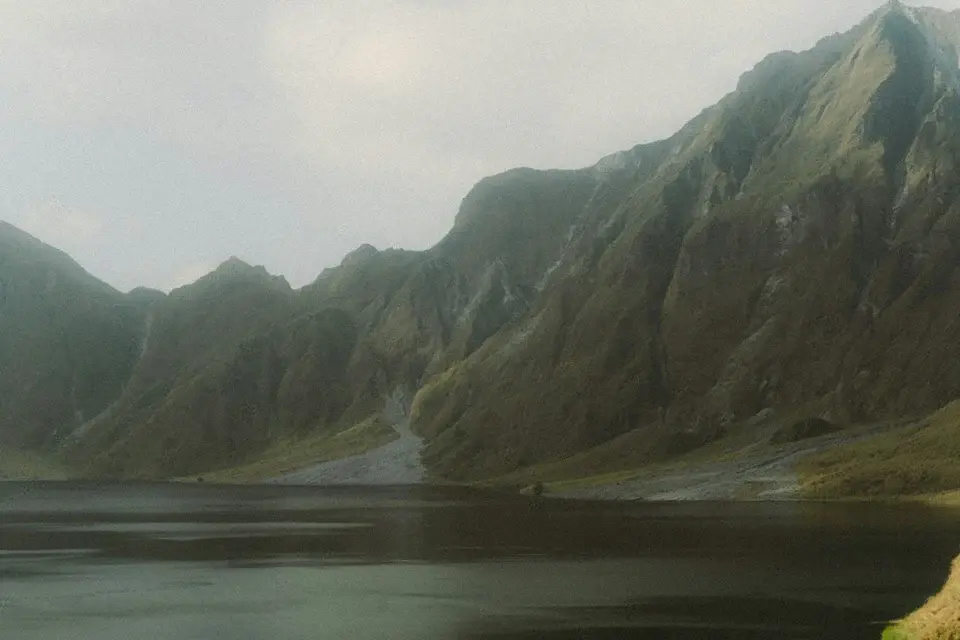
Cinematic B-Roll & Establishing Shots
Turn brief 3-second landscape pans into full 10-second cinematic sequences without using unnatural slow motion.
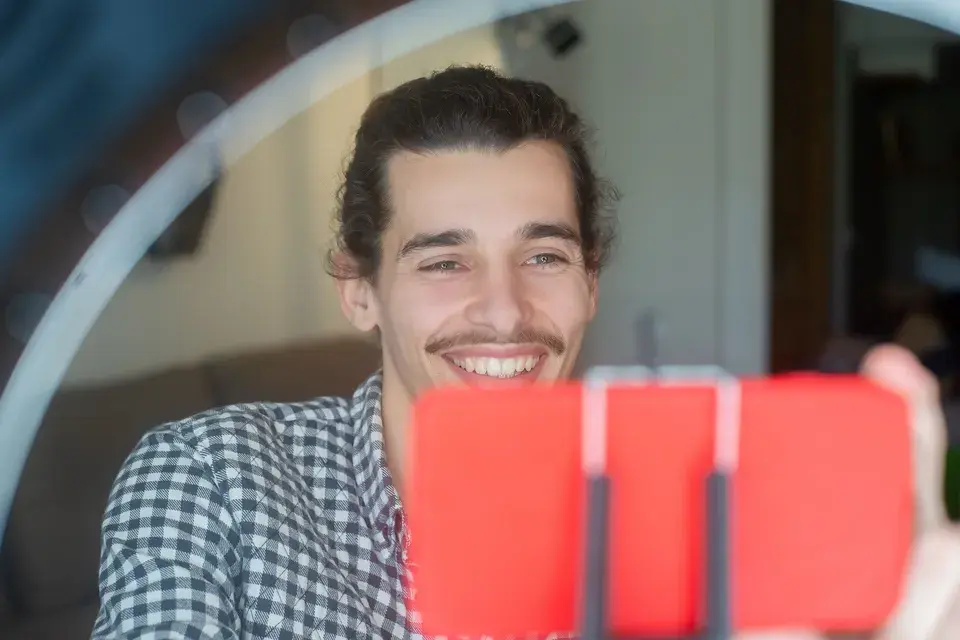
Social & UGC Video Pacing
Give creator reactions, comedic beats, and punchlines space to breathe, boosting watch time and algorithmic retention on TikTok and Reels.
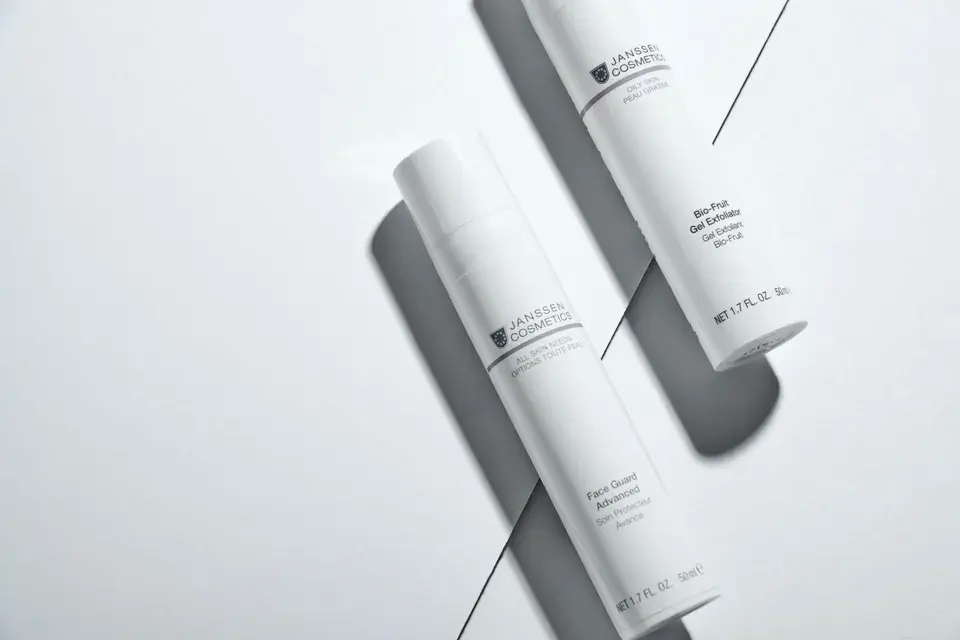
Product Showcases & Packshots
Allow packshots, 360 product rotations, and luxury apparel reveals to linger on screen, enhancing buyer recall and confidence.
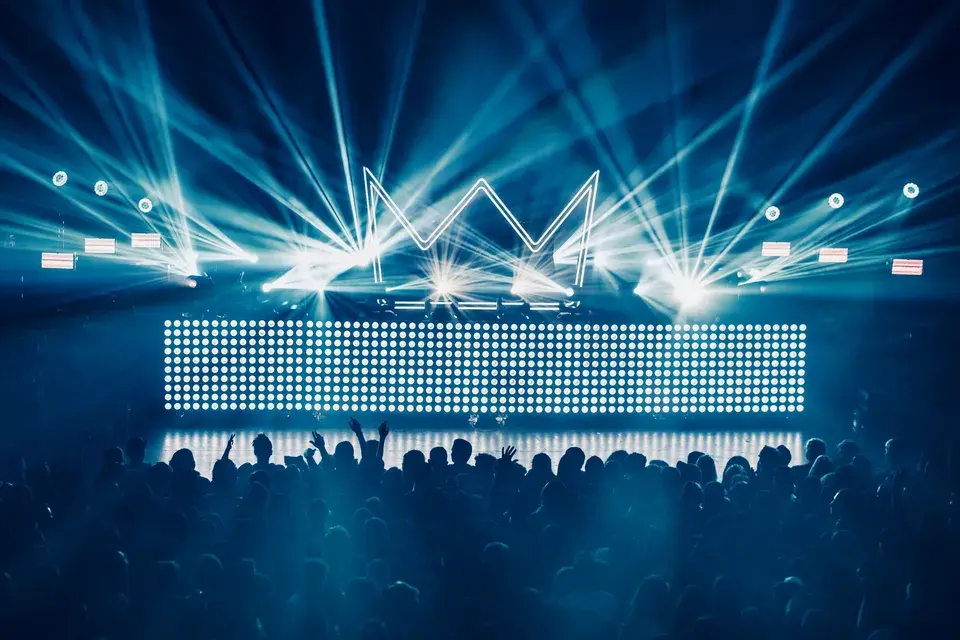
Music Videos & Beat Transitions
Generate connecting frames to align visual cuts precisely with heavy bass drops, percussion hits, and melody transitions.
Frequently Asked Questions About AI Video Extender
Everything you need to know about extending video length, prompts, continuity, and exports.
Turn Short Clips into Complete Cinematic Sequences